
The Whispering Cliff
Browser-based Reading Management Web App
Record summaries and review them occasionally to refresh your memory quickly.
Your reading logs solve the problem of forgetting over time.
Scan a barcode to register a book in 3 seconds.
📚 Record every book you read, every lesson you learn, every movie you watch, and every song you hear!
Every book you finish lines up with its cover. No printing covers at a convenience store and taping them in. Progress and ratings sit right there too.





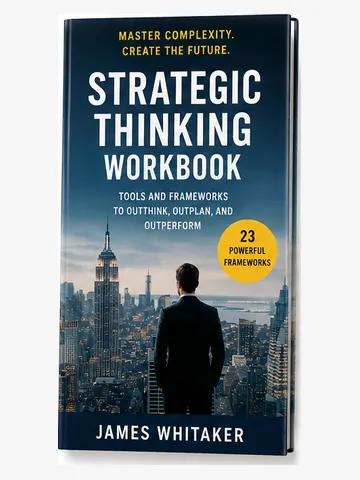
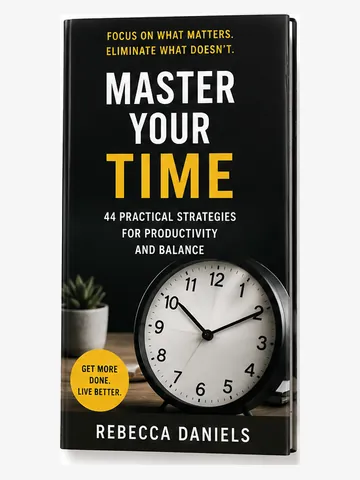
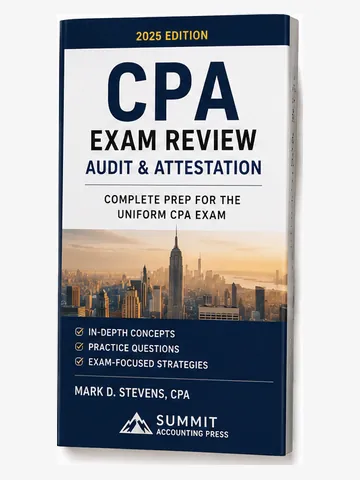
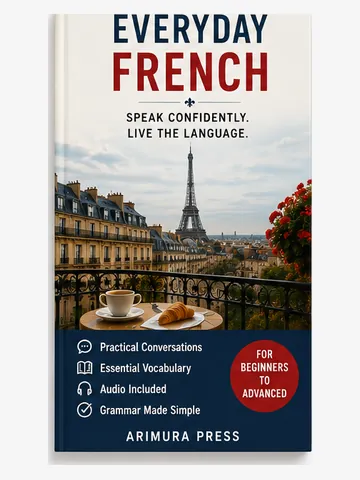
The list and gallery views are part of the paid plans. You can try them right after signing up, with the 30-day free trial.
The panel above reproduces the Reading Forest gallery screen. It is a sample rather than the live app, so the buttons inside it do not work. All titles, authors, cover art and publisher names are fictional.
No complicated setup. Start right away.
Point your phone at the back cover. Title, author, and cover are filled in automatically.

Capture your impression quickly. Just tap the stars and leave a brief note.

Want to add more detail? You can always come back and expand your notes later.

Scan the barcode on the back cover with your phone, or enter the ISBN, and title, author, page count, and cover image are automatically registered. Drastically reduces manual input.
→ ISBN Search & Database Details
Take reading logs anywhere - on PC, smartphone, or tablet.
Not just books — record movies, TV shows, anime, music, podcasts, and YouTube the same way. Capture credits (director, artist, and more), runtime and playtime, the date you watched or listened, star ratings, and impressions. Bring everything you've watched, listened to, and read into one personal media log.
→ How to Record Movies & Music
Record passages that caught your attention as notes or quotes. Summarizing in your own words deepens understanding, and reviewing them refreshes your memory.
"I read it, but I've completely forgotten it" - solve this problem. By recording summaries and reviewing them occasionally, you can refresh your memory quickly without rereading the entire book. Perfect for those studying for exams or concerned about memory decline.
Track your reading progress with graphs. See pages read and completion rate at a glance. No need to read in order - freely record which sections you've read.
Automatically aggregate and display monthly pages read in graphs. Visualize reading goal achievement and manage study pace. Perfect for exam prep and certification test progress tracking.
→ Monthly Graph Details
Auto-calculate completion date from current reading pace. Know in advance if you'll finish textbooks before exam day. Create reliable study plans through pace adjustment. Essential feature for exam students.
→ Reading Forecast Details
Supports MathJax (LaTeX) notation for math formulas. Perfect for technical and academic book notes.
Select a word you don't know and send it to a dictionary, translator, AI search or pronunciation lookup, without leaving your notes.
→ About Web Search
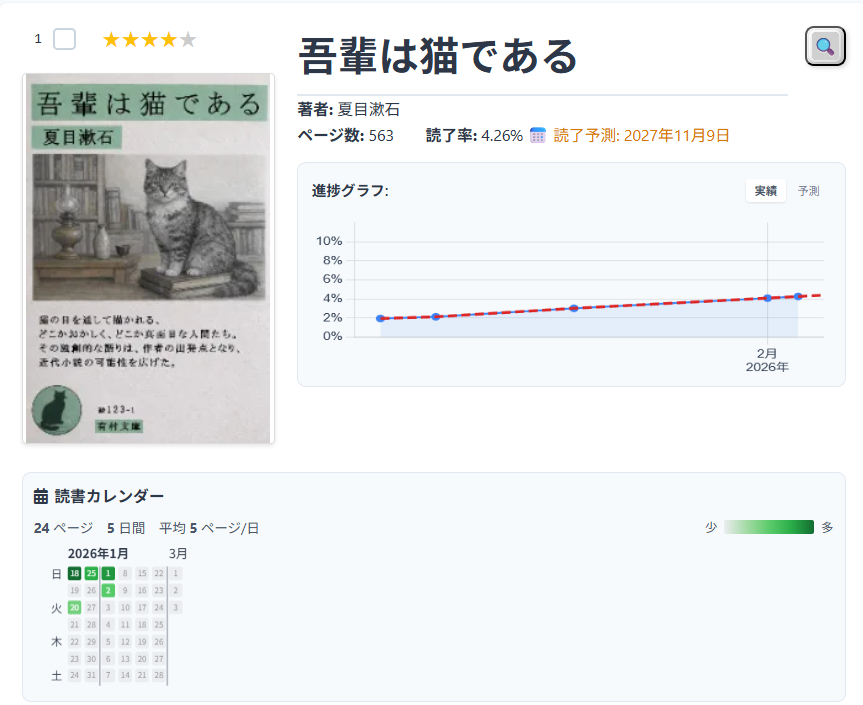
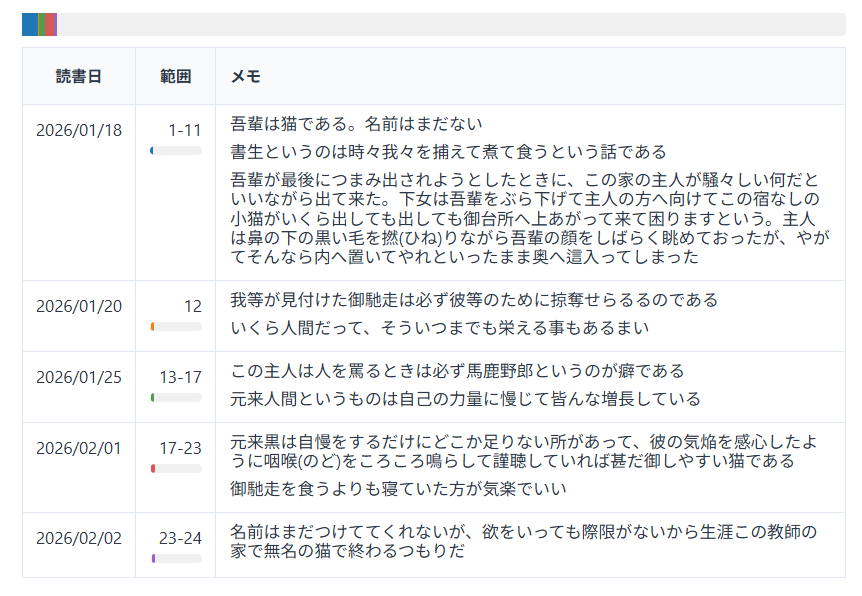
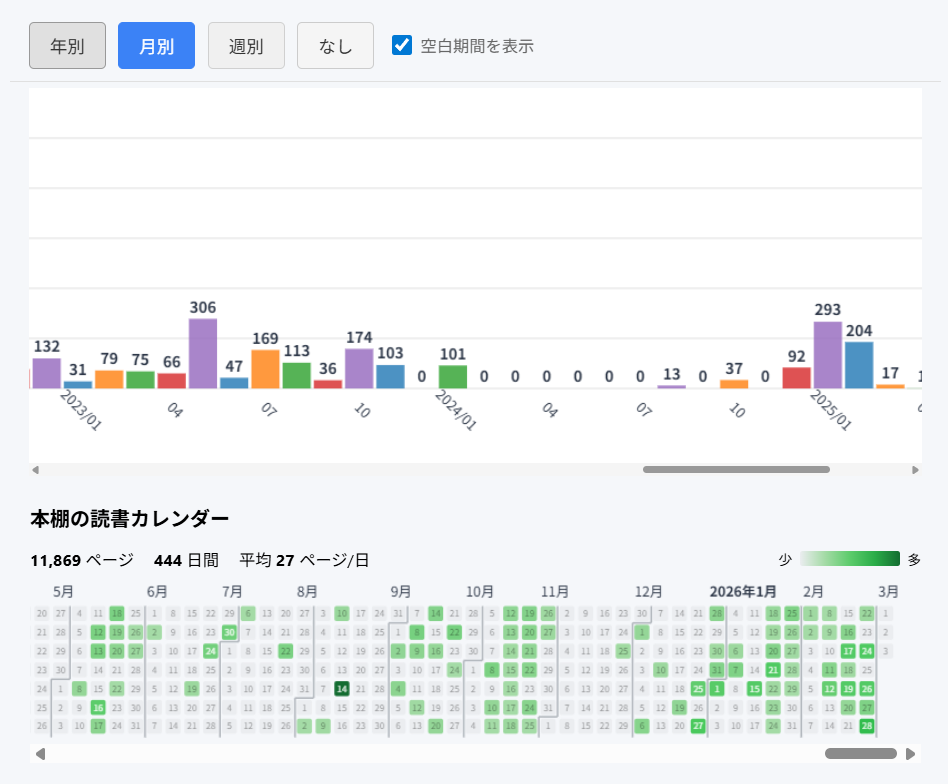
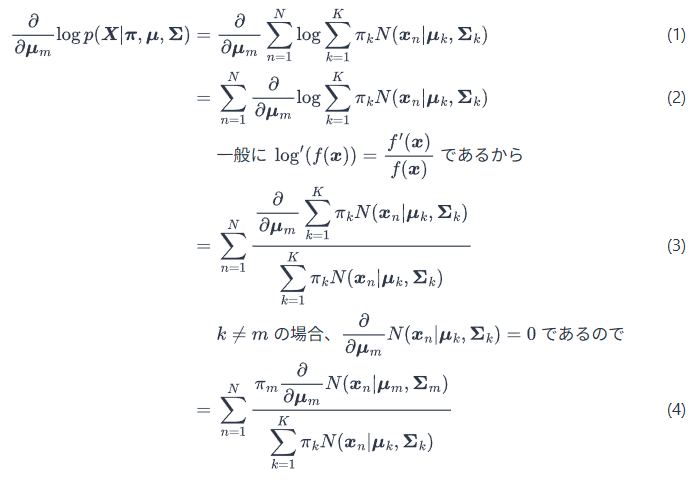
Check your reading progress with graphs. See at a glance how far you've read to stay motivated.
Track textbook progress, note mistakes, math formula support for STEM subjects.
Record passages read and insights. Prepare smoothly for sharing with friends.
LaTeX math support for beautiful formulas in math, physics, chemistry. A feature other apps don't have.
Track novels and vocabulary books, and send any unknown word to a dictionary, translator or pronunciation lookup.
For working professionals pursuing certifications. Study on the go, with math formula support.
Build reading habits and prepare for book reports. Track books read and share progress with parents.
Tips for making reading a habit. Track your progress to feel accomplished and build lasting habits.
Unique features that set Reading Forest apart from other reading management services
Record your entire reading experience
*Works with physical books, e-books, web pages, papers, movies, audiobooks, lectures, and more
Auto-fetch book data from various sources
Take your data anywhere
Easy migration to other services
Beautiful math formula display
Work your way
*Login and some features (database search, cloud save, etc.) require internet
Your data, your control
2: ¥570, 3: ¥760, 5: ¥1,140, 10: ¥2,090
More members = better per-person rate (2-100 members)
Parental consent required for ages 12 and under (COPPA)
*Prices include tax
Enrich your reading experience.
Start with a free plan or a 30-day free trial.
The free plan has basic features but is free forever
Free trial available for all paid plans
Already registered? Log in here to access Reading Forest
Trouble signing in? Forgot your email / password, or unsure how to sign in?
Click on a question to see the answer
Can't sign in?
Reading Forest signs you in with your Google account, so we don't store your password on our side. Pick the option that matches your situation:
If none of these solve your issue, please contact our support team.
Yes. Reading Forest uses data encryption, regular backups, and SSL communication. You can choose between local storage and cloud storage, and your data is safely protected.
Yes. In local storage mode, you can view and edit your records without an internet connection. Once back online, you can save to or load from Google Drive.
Yes. It works on any device with a browser, including smartphones, tablets, and PCs. Save to Google Drive to access your data from any device.
Yes. Reading Forest lets you freely record notes for each book. Save impressions, summaries, quotes, and insights organized by date, and search them later for review.
Reading Forest automatically calculates progress from pages read vs total pages, displaying it visually with progress bars and graphs. You can record which sections you've read and manage multiple reading sessions.
The free plan allows recording up to 20 books (works) per file, with unlimited number of files. Paid plans (Personal Plan at 380 yen/month) add unlimited books (works) per file, cloud storage, automatic backups, and more features.
Yes. Reading Forest records not only books but also movies, TV shows, and anime. You can keep credits such as director and cast, the runtime, the date you watched, star ratings, and impression notes — just like you do for books. TV series and anime can be logged by series or episode by episode, and you can search streaming, rental, and review sites.
→ How to Record Movies & Music
Feature Highlights (September 2026)