Reading Forest
Home › User Guide

User Guide

A comprehensive guide to using Reading Forest

Screen Overview

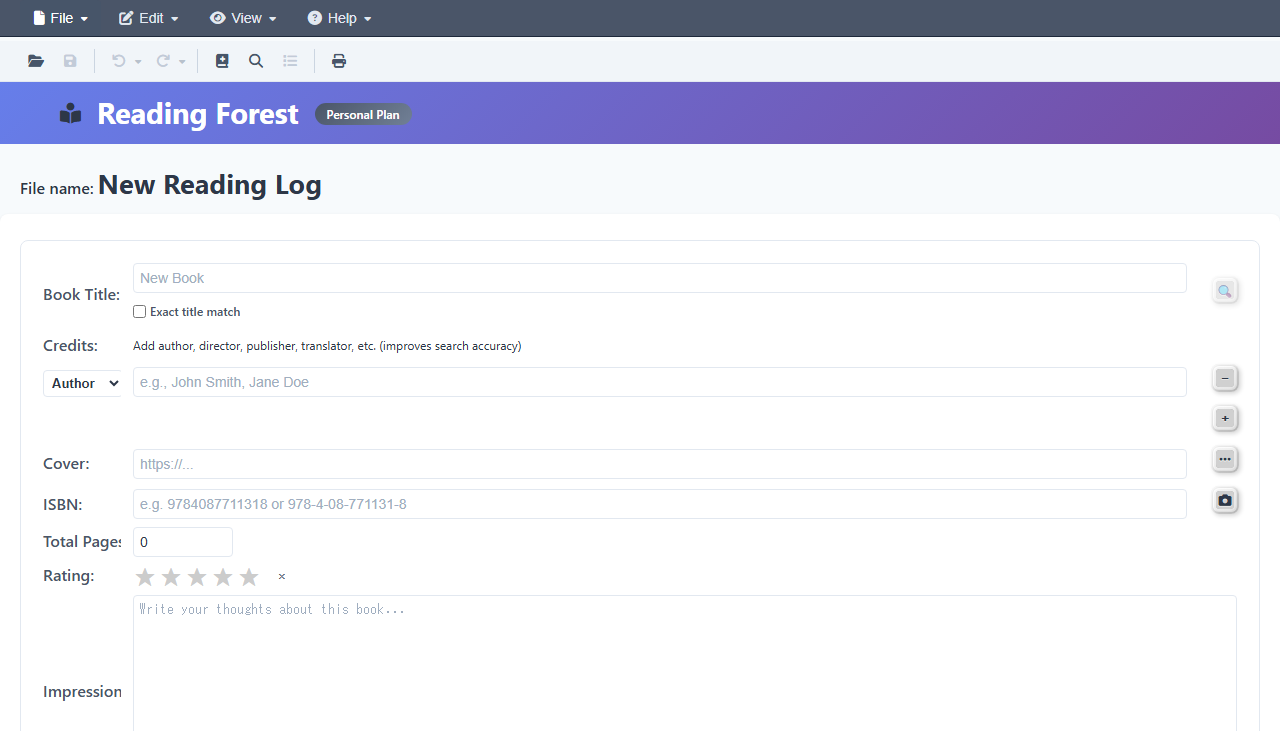
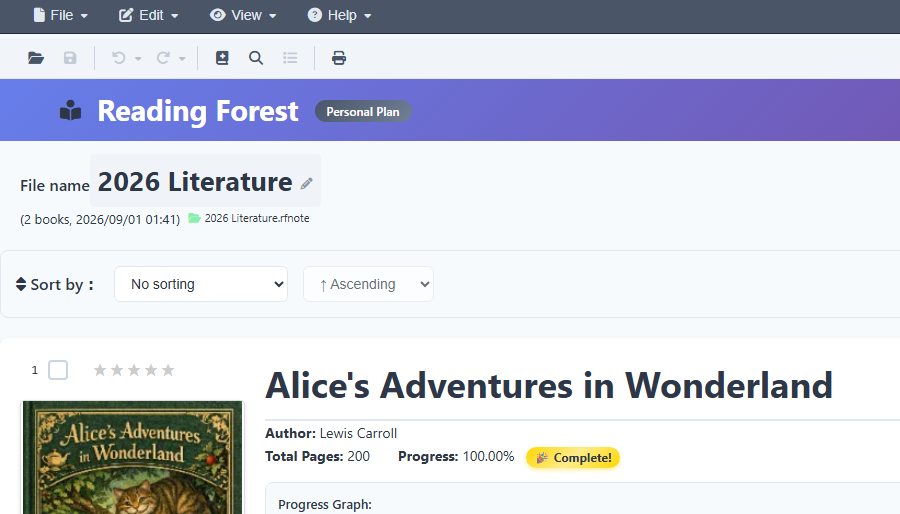
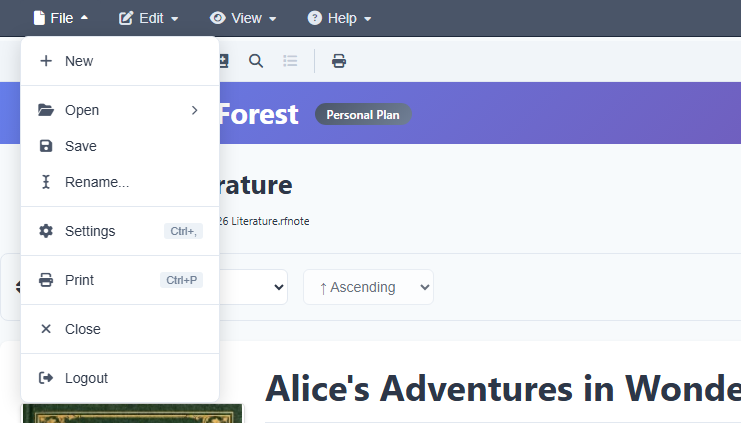
Understand the main screen layout and the purpose of each area.

Adding Books

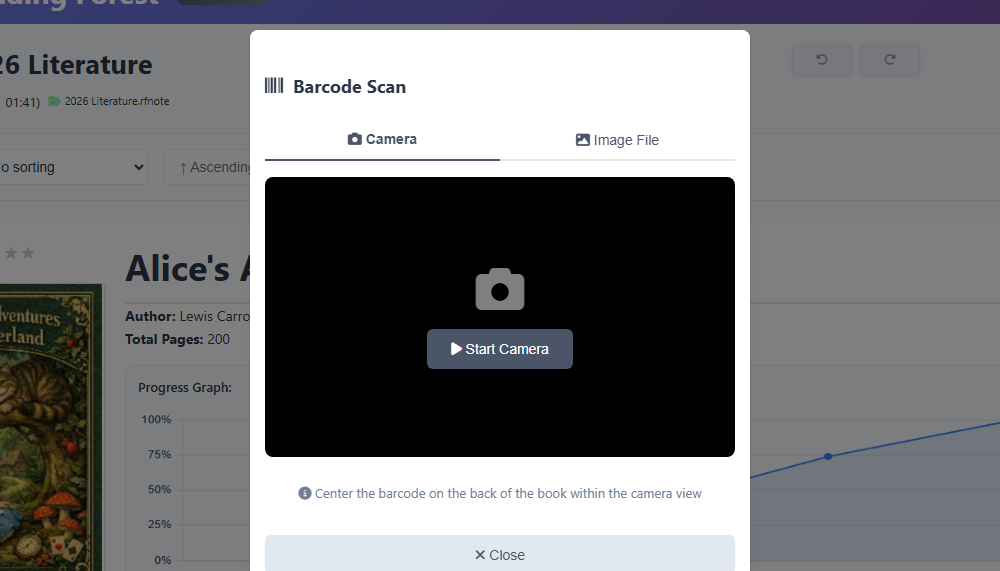
Use barcode scanning or ISBN search for auto-fill, or add books manually.

Edit and Delete Books

How to edit, delete, and restore books.

Reading Records

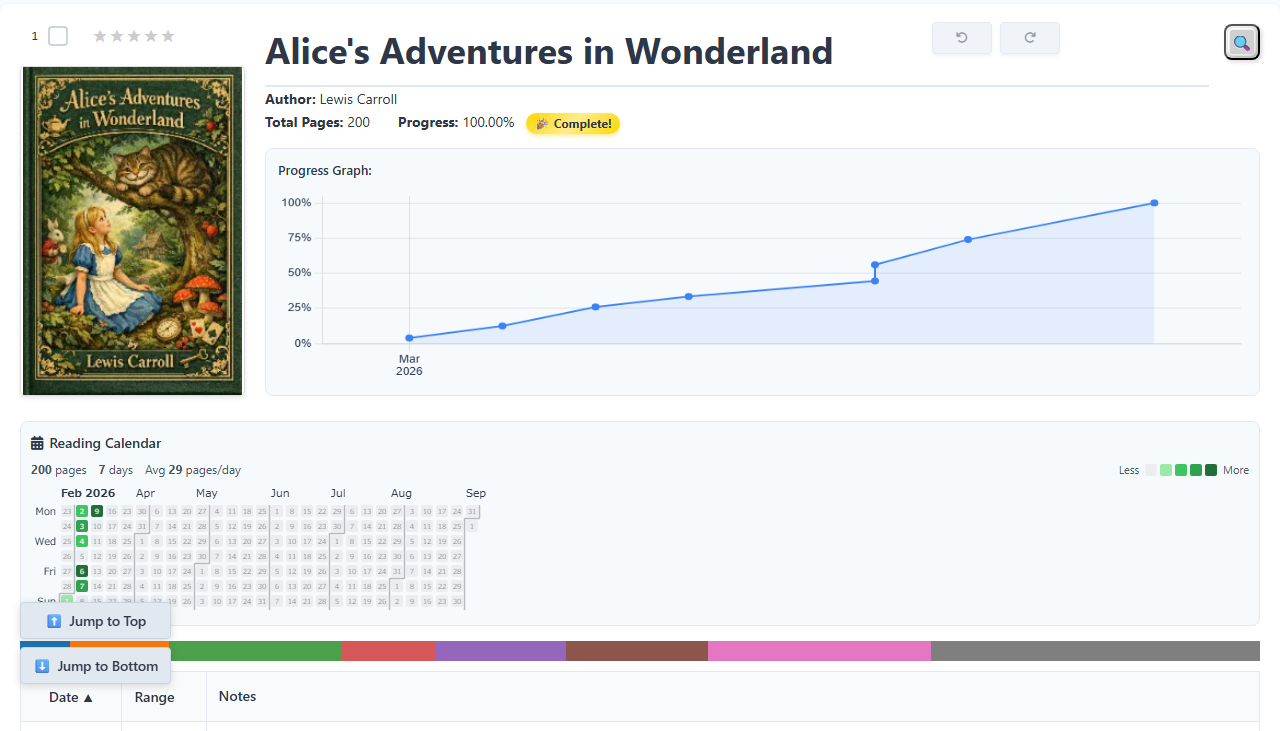
Add notes, quotes, and track reading progress. Supports Markdown and math formulas.

Math Formulas

Display beautiful math formulas using LaTeX. Examples from elementary to university level.

Saving Data

Save your data locally or to Google Drive.

Search & Filter

Quickly find books using keyword search and status filters.

Export

Export in various formats: PDF, Excel, Markdown, and more.

Tips & Tricks

Efficient usage tips and common troubleshooting solutions.

Edit Reading Records

Edit and delete dates, page ranges, and notes.

Deleting Records

How to delete books and notes, with important considerations.

Undo and Redo

Edit history and auto-backup features.

Book Selection

Click, Ctrl+click, Shift+click for multiple selection.

Clipboard Operations

Copy, cut, and paste books and reading records.

Book List and Sorting

Column sorting, reordering, and batch operations.

Find and Replace

Keyword search and batch text replacement.

Web Search

Search on ChatGPT, YouTube, Amazon and 20+ services.

Settings

Customize display settings and manage your data.

Theme Settings

Light/dark mode and system sync settings.

Device Management

Device limits by plan and management options.

Age Verification

About the age verification on first use.