Login Guide
Learn how to log in to Reading Forest

Login with Email
Log in using your registered email address and password
Login with Google
Easy login with your Google account — no password needed
Automatic Login Screen
The login screen remembers your previous login method and simplifies the next visit
Reading Forest remembers the login method you used last time (email or Google account) in your browser. On your next visit, only the relevant login method will be displayed, making it easy to log in without confusion.
- Registered with Google account
Only the Google login button is displayed on the login screen - Registered with email address
Only the email and password form is displayed on the login screen - Want to use a different method?
Tap the link at the bottom of the screen to reveal all login options - First time on this browser/device
Both login methods are displayed since there is no record
Method 1: Login with Email and Password
Log in using your registered email address and password
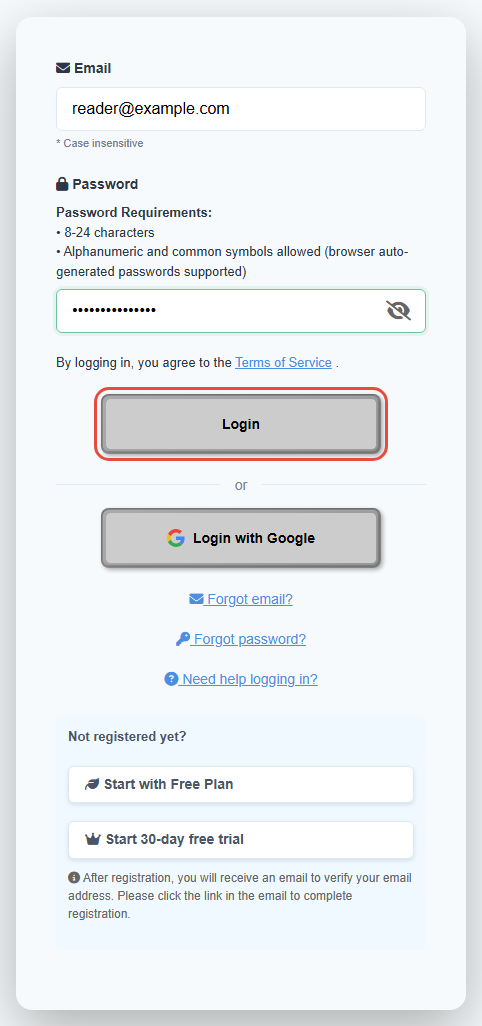
Enter Email and Password
Enter your registered email address and password,
then click the "Login" button.
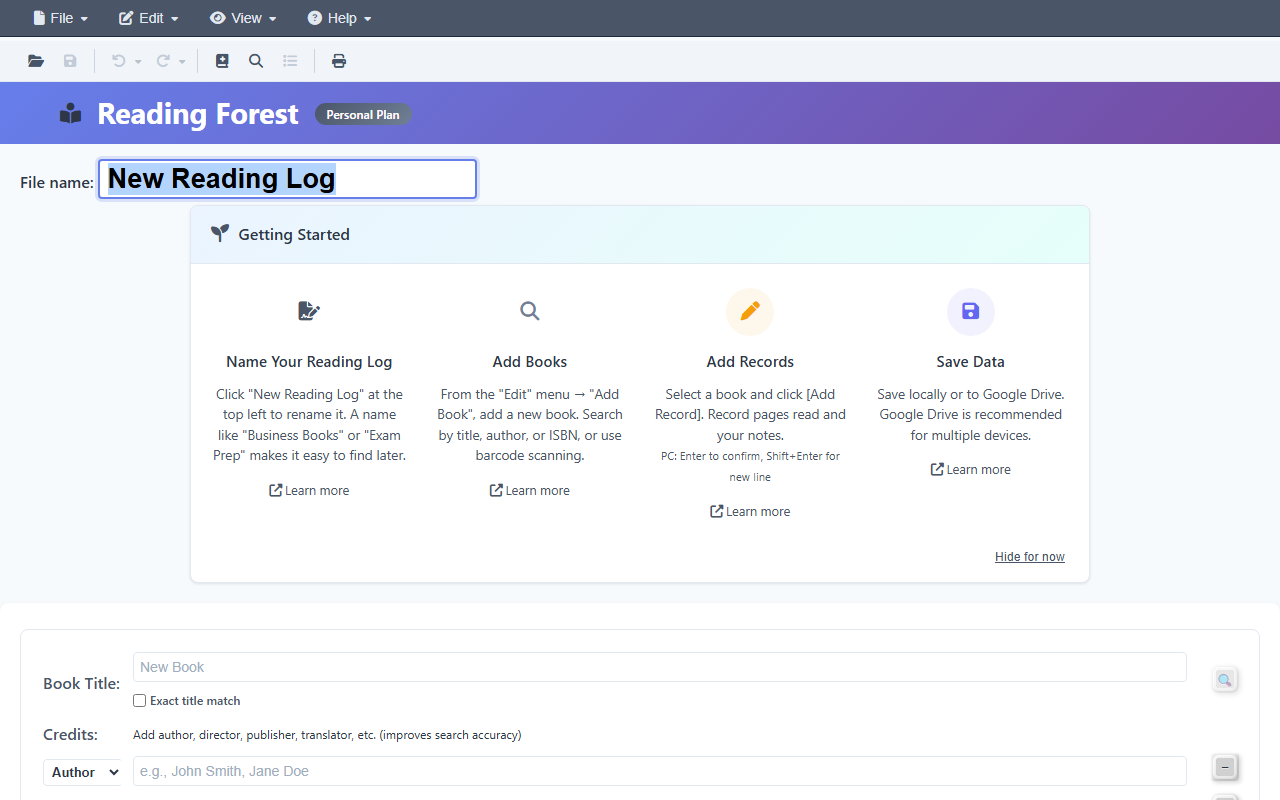
Login Complete
After successful authentication, you'll be redirected to the Reading Forest home page.
FAQ
I forgot my password
You can reset it from "Forgot Password" on the login page.
A password reset link will be sent to your registered email address.
I forgot my email address
You can look it up from "Forgot Email" on the login page.
You can search for your registered email using your name and phone number.
Method 2: Login with Google Account
Log in easily with your Google account — no password needed
- No need to remember a password
- Google account security (2-factor authentication, etc.) is applied
- Easy login without typing a password
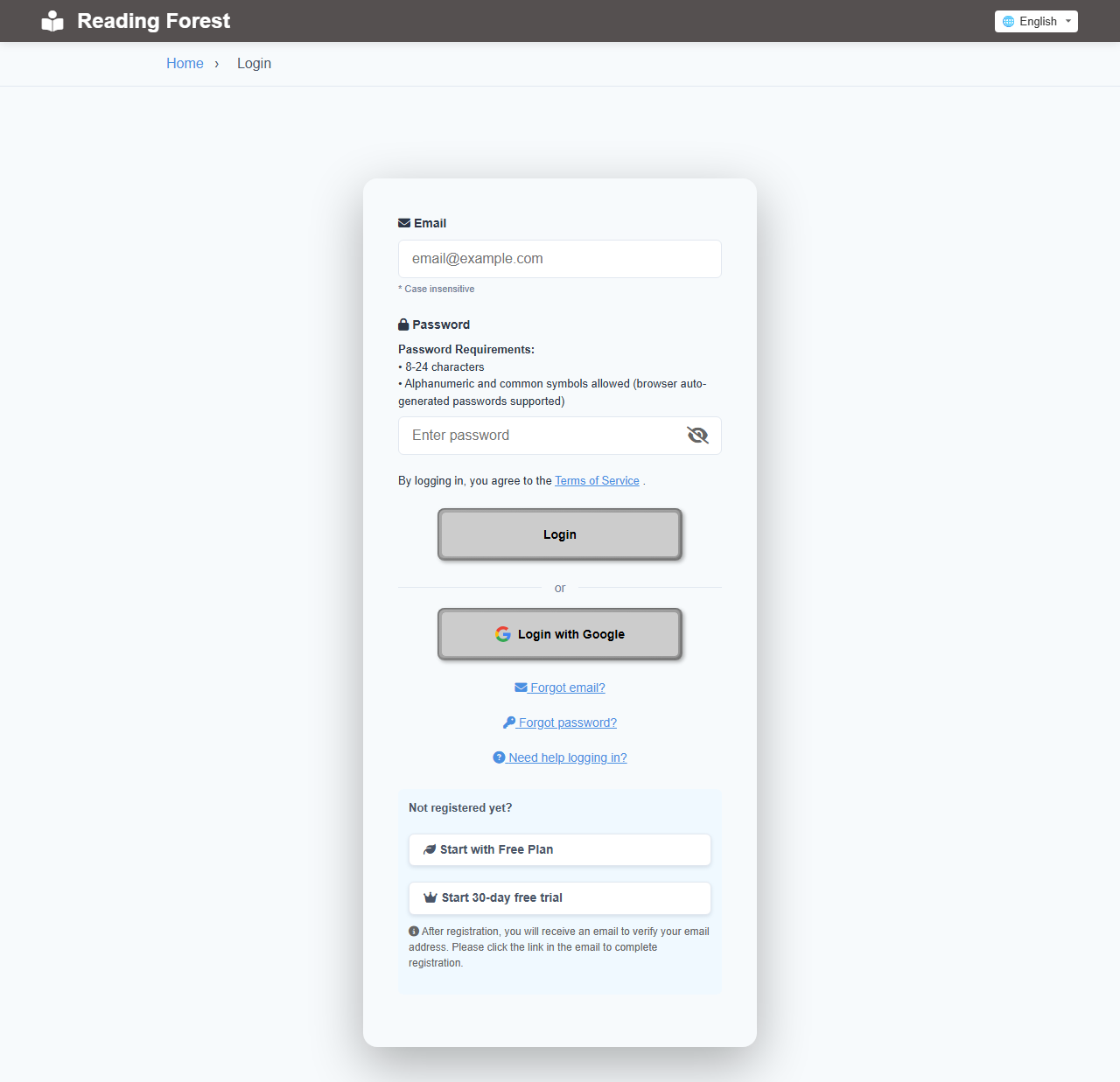
Open Login Page
Access the login page.
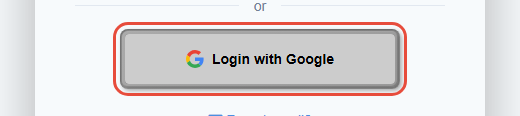
Click "Login with Google"
Click the "Login with Google" button below the login form.
Select Google Account
The Google login screen will appear.
Select the Google account you want to use with Reading Forest.
(First-time users will be asked to grant access permission)
Login Complete
After authentication, you'll be automatically redirected to the Reading Forest home page.
If this is your first time logging in with Google, you will be asked to enter your date of birth and agree to the Terms of Service. Your account is created when you click Complete Registration.
FAQ
I already registered with email. Can I use Google login?
Yes, if you log in with a Google account that has the same email address, it will be linked to your existing account.
Your reading records and notes will be carried over.
After using Google login, can I still log in with email?
Yes, you can use either method to log in.
If you haven't set a password, you can set one from "Forgot Password".
Google login isn't working
Please check the following:
① Is your browser blocking pop-ups?
② Are you logged into Google?
③ Are cookies enabled in your browser?
④ Try a different browser or incognito mode
I want to change my Google account
Log out first, then log in with a different Google account.
Note that your reading records won't be transferred (it will be treated as a different user).